1. Define Your Website Goals
Start by clarifying what you want your website to achieve:
Lead Generation: Collect email addresses, form submissions, or consultations.
Online Sales: Promote products or services with persuasive content and clear calls-to-action.
Brand Authority: Provide helpful resources, case studies, and thought leadership.
Tip: For examples of goal-oriented websites, see our posts on What is a Content Management System (CMS) and Hiring Freelance Web Designers.
2. Understand Your Audience
Know who you’re creating content for:
Audience Personas: Define key characteristics like demographics, interests, and pain points.
Search Intent: Identify what your audience searches for (Google Search Central: Keyword Research).
User Experience Needs: Consider navigation, readability, and device responsiveness.
3. Audit Existing Content
Before creating new content, evaluate what you already have:
Identify high-performing pages that can be updated.
Spot content gaps where new pages or blog posts are needed.
Remove outdated or irrelevant content to streamline your site.
4. Create a Content Calendar
Planning when to publish each piece helps maintain consistency:
Frequency: Decide how often to publish blog posts, landing pages, or updates.
Seasonal Content: Align with campaigns, promotions, or industry events.
Content Types: Mix blog posts, videos, infographics, and case studies.
Tip: Use tools like Trello or Asana for planning and team collaboration.
5. Optimise for SEO and Readability
Ensure your content is discoverable and user-friendly:
Keywords: Naturally integrate relevant keywords.
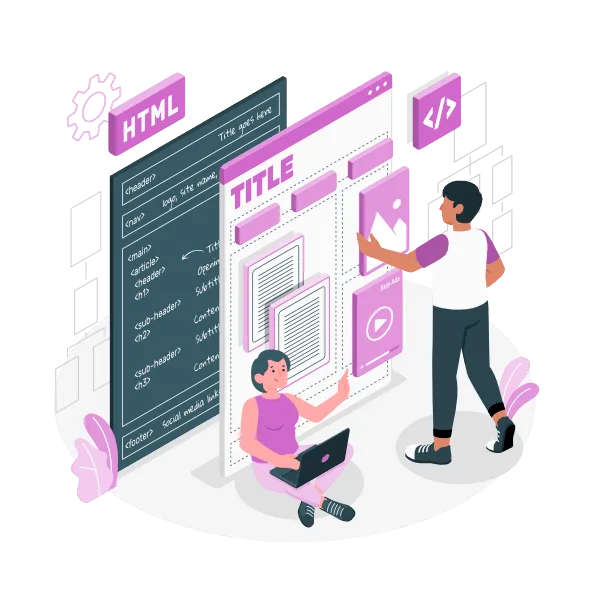
Headings & Structure: Use H1, H2, and H3 tags for clear hierarchy.
Internal Linking: Link to related posts such as ‘What is a Content Management System (CMS)?‘ and ‘Hiring Freelance Web Designers’.
External Linking: Link to authoritative sources to improve credibility (Moz Beginner’s Guide to SEO).
6. Plan Visual Assets and Branding
Images, videos, and graphics make your content more engaging:
High-Quality Media: Optimise images for size and speed.
Consistent Branding: Fonts, colours, and style should match your brand guidelines.
Alt Text: Include descriptive alt text for accessibility and SEO.
7. Review, Test, and Adjust
After publishing, monitor performance and make adjustments:
Analytics: Track traffic, engagement, and conversions (Google Analytics).
A/B Testing: Experiment with headlines, images, and calls-to-action.
Content Updates: Refresh posts regularly to maintain relevance and SEO value.
Conclusion
Effective website content planning ensures your site is engaging, easy to navigate, and optimised for search engines. By defining goals, understanding your audience, creating a content calendar, and optimising for SEO, you can deliver content that supports your business growth.
For more guidance, check out our posts on ‘What is a Content Management System (CMS)‘ and ‘Hiring Freelance Web Designers’.