Why Accessibility Is So Important
Accessibility isn’t just about ticking a box; it’s about ensuring equal access to content and services on the web.
1. It’s the Right Thing to Do
Over 14 million people in the UK live with a disability. Excluding this demographic, whether intentionally or not, limits their access to information, services, and online shopping. Accessibility is inclusion.
Related reading: Key Steps to Take Before Hiring a Freelance Web Designer or Developer
2. It’s the Law
Failing to make your website accessible could lead to legal consequences under:
The Equality Act 2010 (UK): Requires reasonable adjustments to ensure disabled users are not disadvantaged.
Public Sector Bodies (Websites and Mobile Applications) Accessibility Regulations 2018: Enforceable guidelines for public websites.
Legal cases in the UK are increasing, with some businesses forced to overhaul sites following complaints.
Related internal reading: The Truth About One-Page Websites: Why UK Legal Requirements Mean More Pages
3. Boosts SEO
Search engines favour accessible websites. Why?
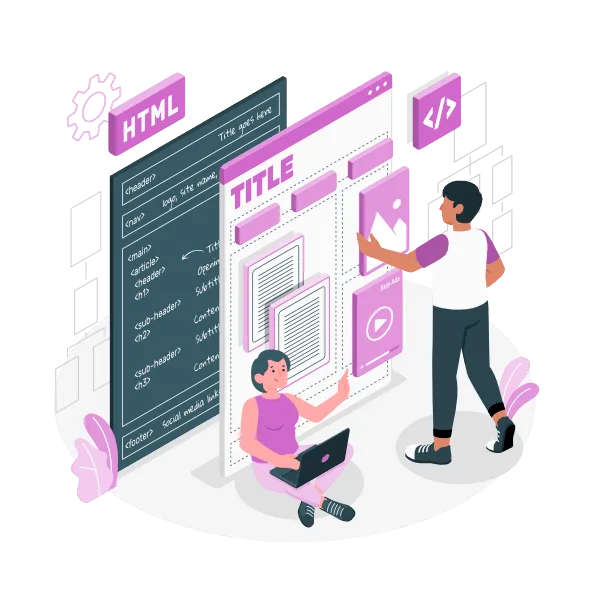
Semantic HTML improves crawlability.
Alt text supports both screen readers and image indexing.
Structured content (headings, ARIA landmarks, skip links) improves both user experience and site hierarchy.
Google sees accessibility features as indicators of quality. What benefits users with impairments also boosts page speed, mobile usability, and SEO rankings (Moz: SEO and Accessibility).
Related internal reading: Lazy Loading Images: The SEO-Boosting, Speed-Improving Trick
4. Improves User Experience for Everyone
Accessible websites are clearer, faster, and easier to use for all users. Examples include:
Keyboard shortcuts helping power users.
Transcripts helping users in noisy environments.
Larger tap targets helping users on small screens.
Related reading: What Does ‘Responsive Design’ Really Mean for Your Business?
Steps to Improve Your Website’s Accessibility
Start here to make your site accessible:
Use semantic HTML5 elements (like
<nav>,<main>,<footer>)Ensure good colour contrast (WCAG 2.1 AA minimum)
Add alt text for all images
Implement keyboard navigation
Use ARIA attributes where necessary
Provide skip navigation links
Ensure your site works well with screen readers
If you’re unsure where to start, I offer accessibility audits as part of my web development and design services. Don’t leave compliance to chance.
Related internal reading: Why Ongoing WordPress Maintenance Is Essential
Don’t Risk It: Accessibility Is a Legal Requirement
Think of accessibility not as an optional add-on but a core part of your digital responsibility. It reflects your brand’s integrity, helps you reach more users, and keeps your business legally protected.
Whether you’re running a business website, eCommerce store, or public service platform, get your site tested and updated to meet accessibility standards now (Web Accessibility Initiative – W3C).
Need Help Making Your Website Accessible?
Get in touch for a free consultation or accessibility check. Together, we can ensure your website is inclusive, legal, and SEO-friendly.